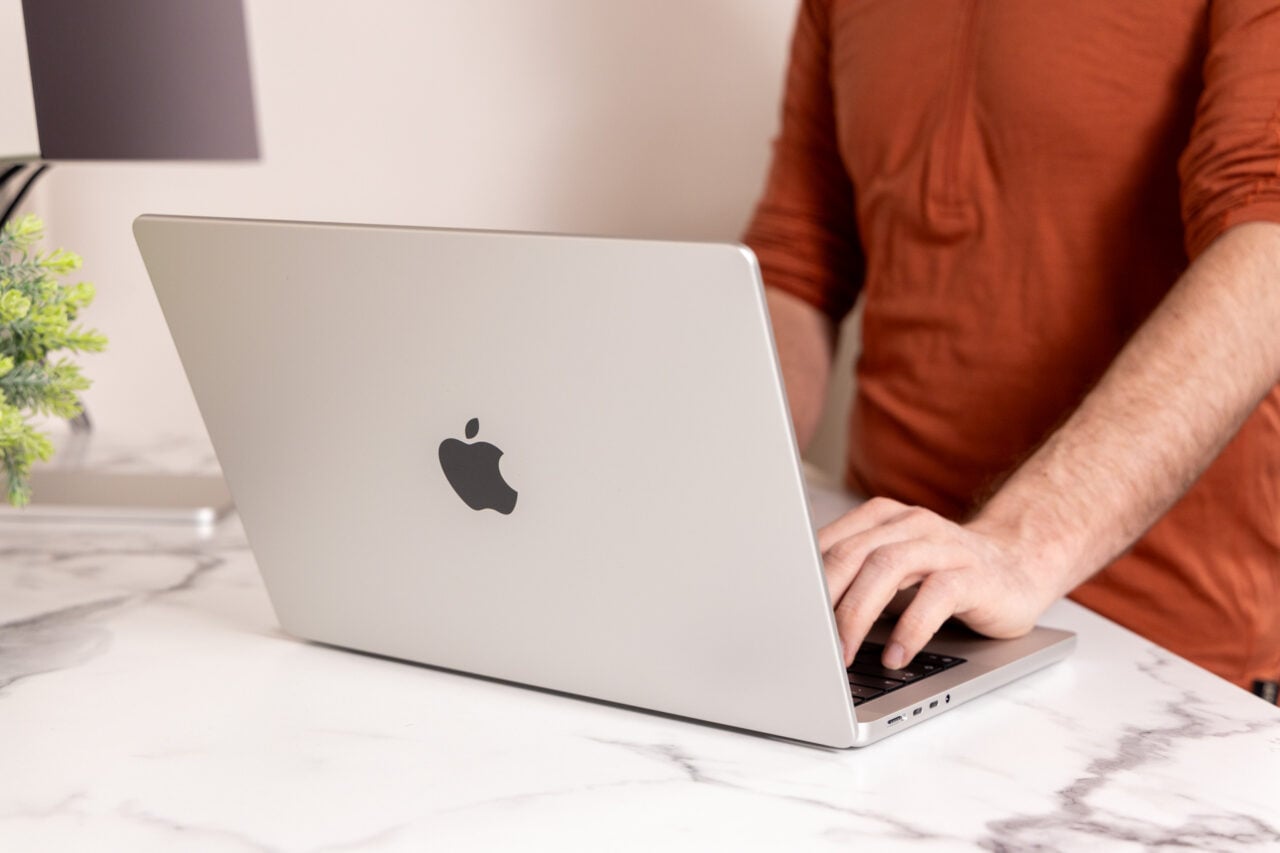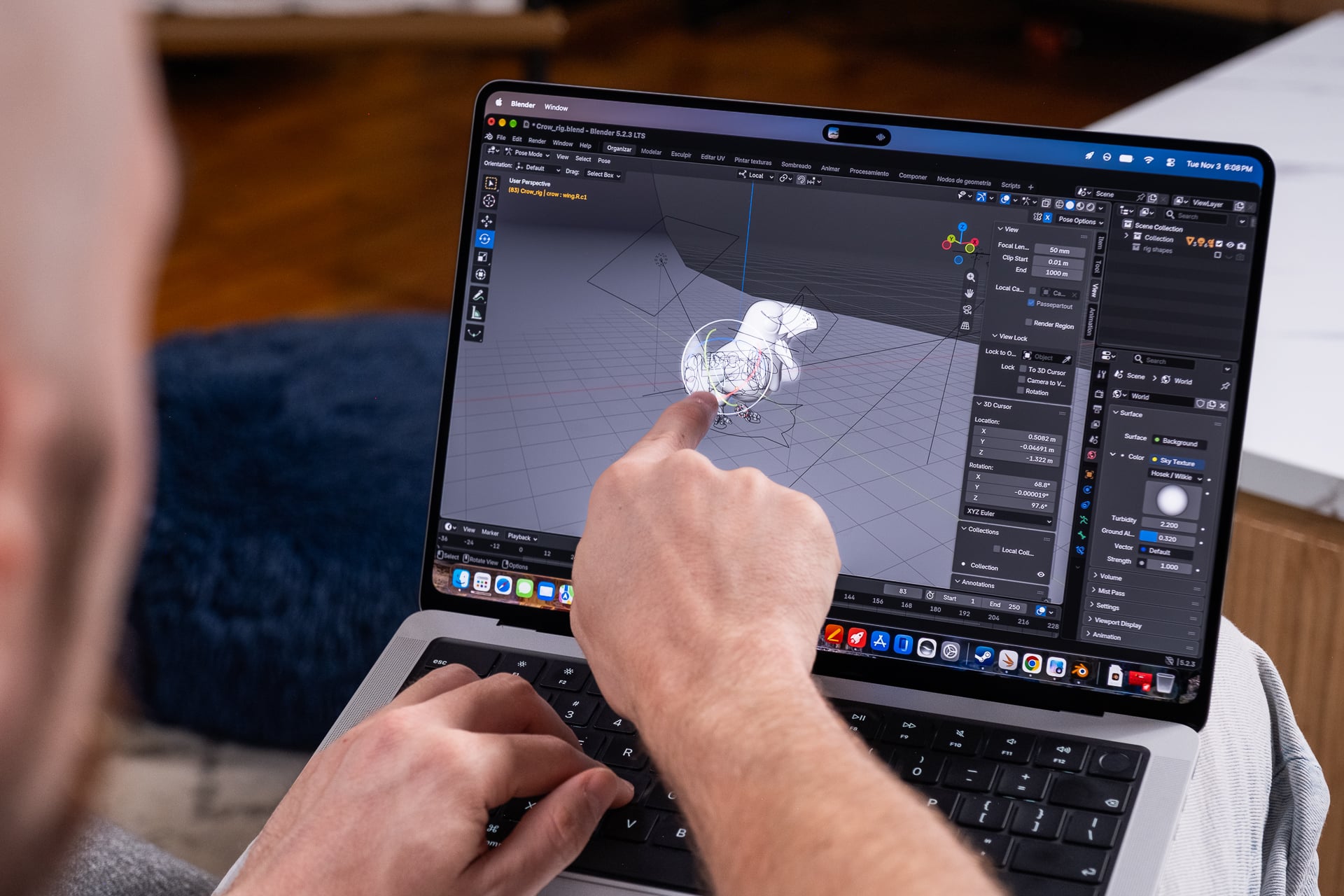

There were legions of Apple fans who held off from buying a new MacBook Pro for every dry year, one after another. They heard the endless ant’s march of small rumors all building up to this, the first OLED MacBook. And Apple has not disappointed. It’s truly one of the best screens I’ve had the chance to use on a laptop. It’s also a laptop that charges a $500 premium on top of what are already very expensive Mac designs. So it’s here; you can finally buy one, and I pray you saved your pocket change from all that time stewing and hoping.
MacBook Pro with PROLED XDR Display
It's enormously expensive, but for that premium price its not only packing the best OLED laptop screen I've seen—it also makes macOS so much better.
Pros
- Amazing OLED that beats the competition
- Improved macOS experience with touch
- Excellent laptop speakers
- Lighter build
- Still-unbeaten performance
- Sustained performance improvements
- Return of glowing Apple logo
Cons
- An obscene price
- Fans can get extra loud
- Performance isn't better than cheaper Macs
- No 180-degree hinge
- Same old keyboard and trackpad
Because what’s here is—in its distilled form—the same essential design as the previous five years of Apple’s laptop suite. It comes with an all-inclusive buffet of upgrades that do matter more than all the ink Apple has spilled trying to convince you how “groundbreaking” it all is. I’ve reviewed every MacBook Pro since the M3 variants in 2023. I know these devices as well as I do the back of my (injured) hands or my lovable, though often rambunctious, household cat (her name is Circe, if you need to know).
But the upgrades here feel all the more significant because of that familiarity. A better screen, better sound, lighter build, and improved sustained performance all supply what is easily the best all-in-one Mac experience I’ve had since I started writing about these hunks of aluminum, glass, and plastic.
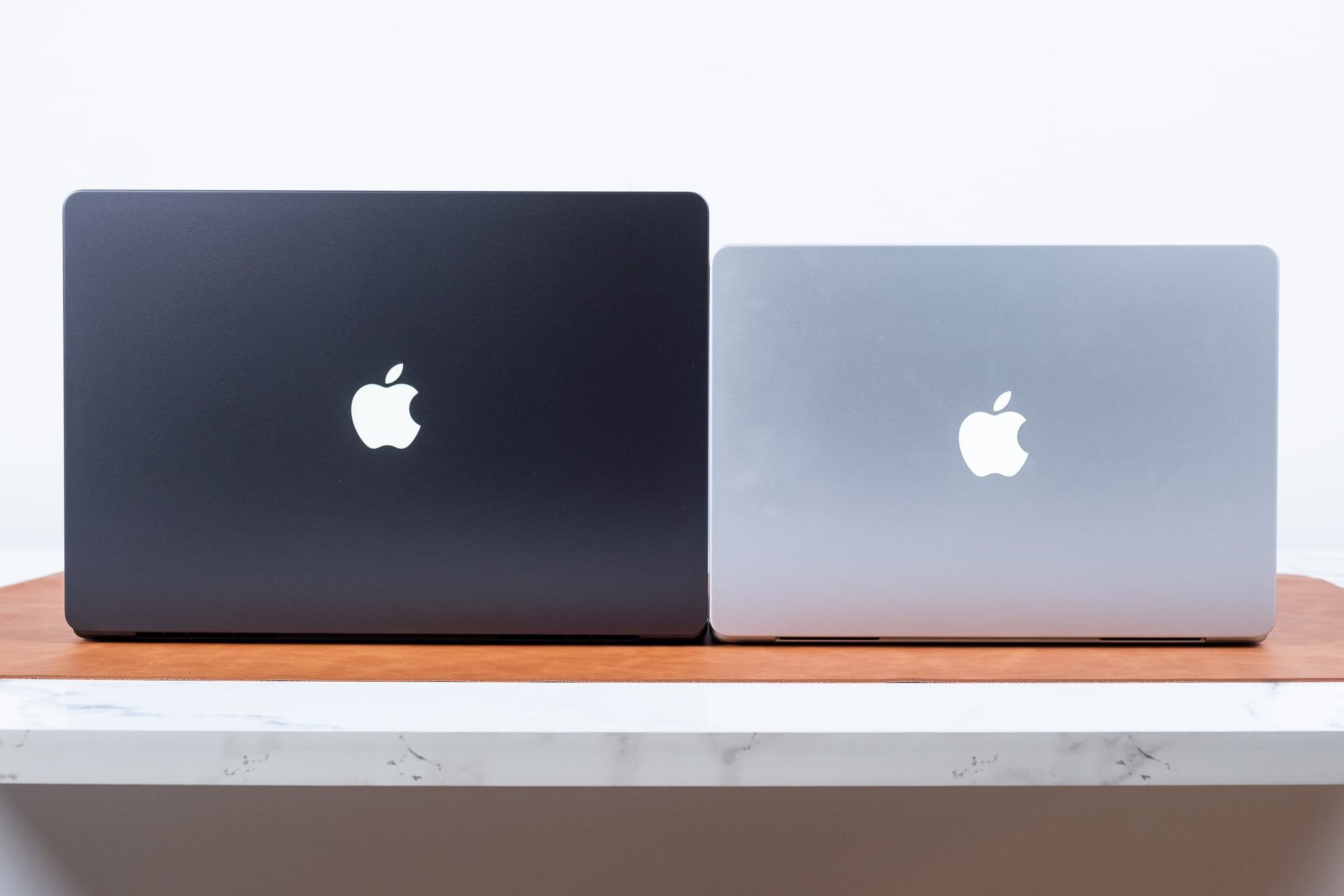
Is that upgrade worth another $500? I’m not sure anything is right once you start shelling out close to $3,000 for a laptop. I don’t consider the inflated costs borne by RAMaggedon as an excuse for laptop makers to get lazy. You should expect the peak of everything for that price. In its current iteration, the MacBook Pro with PROLED XDR is the most premium device of its kind released all year.
But what about the future?
I say that knowing this is only the short-term comprehension of Apple’s changing MacBook lineup. The MacBook Pro with PROLED XDR Display is a terrible name, and I don’t think it will stick around. Apple continues to sell its older MacBook Pro models with the same M5 Pro and M5 Max chips. In addition, those older and these newer Macs offer the essentially same performance benchmarks as each other. As the name suggests, these are the same MacBooks, just with a better display.
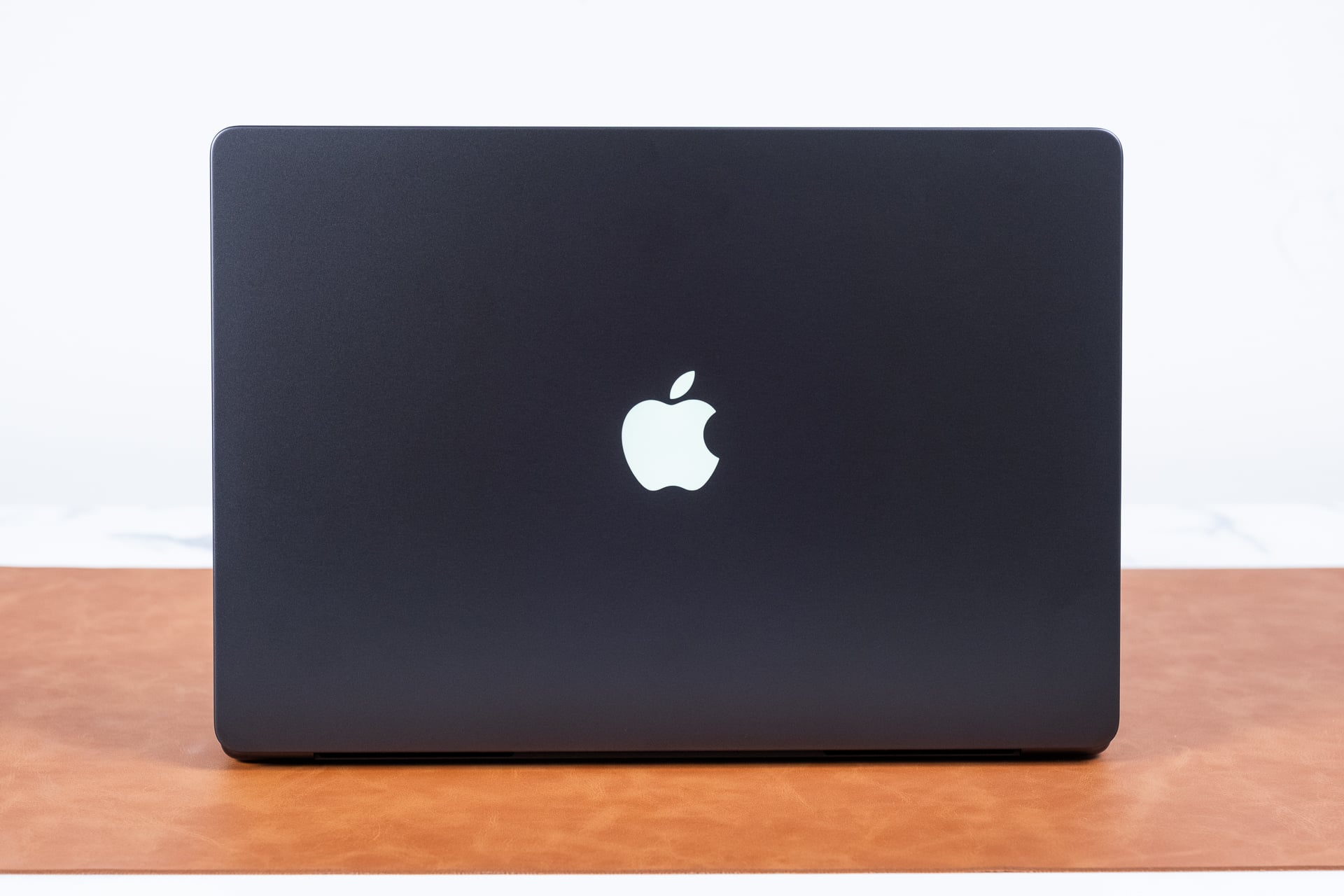
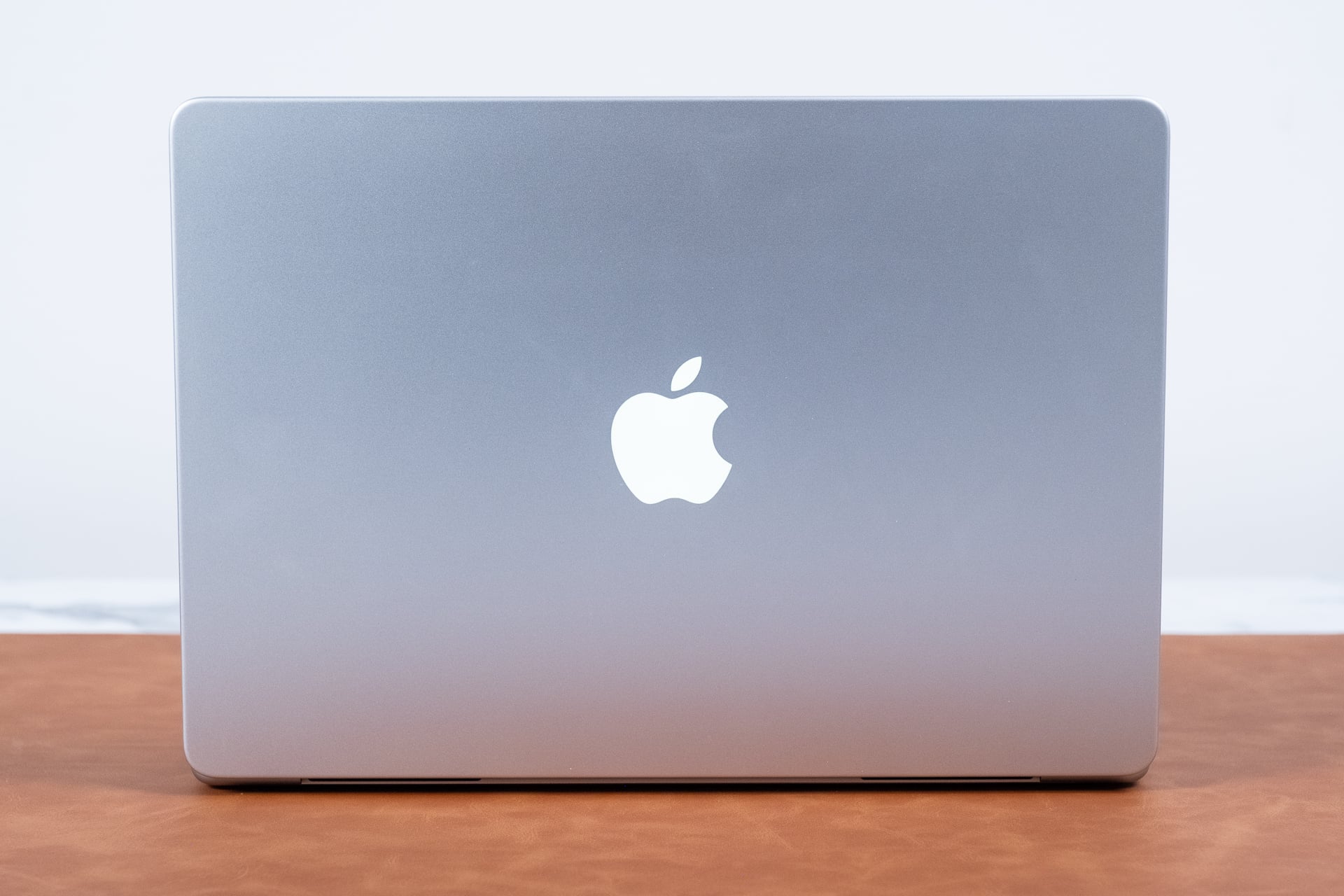
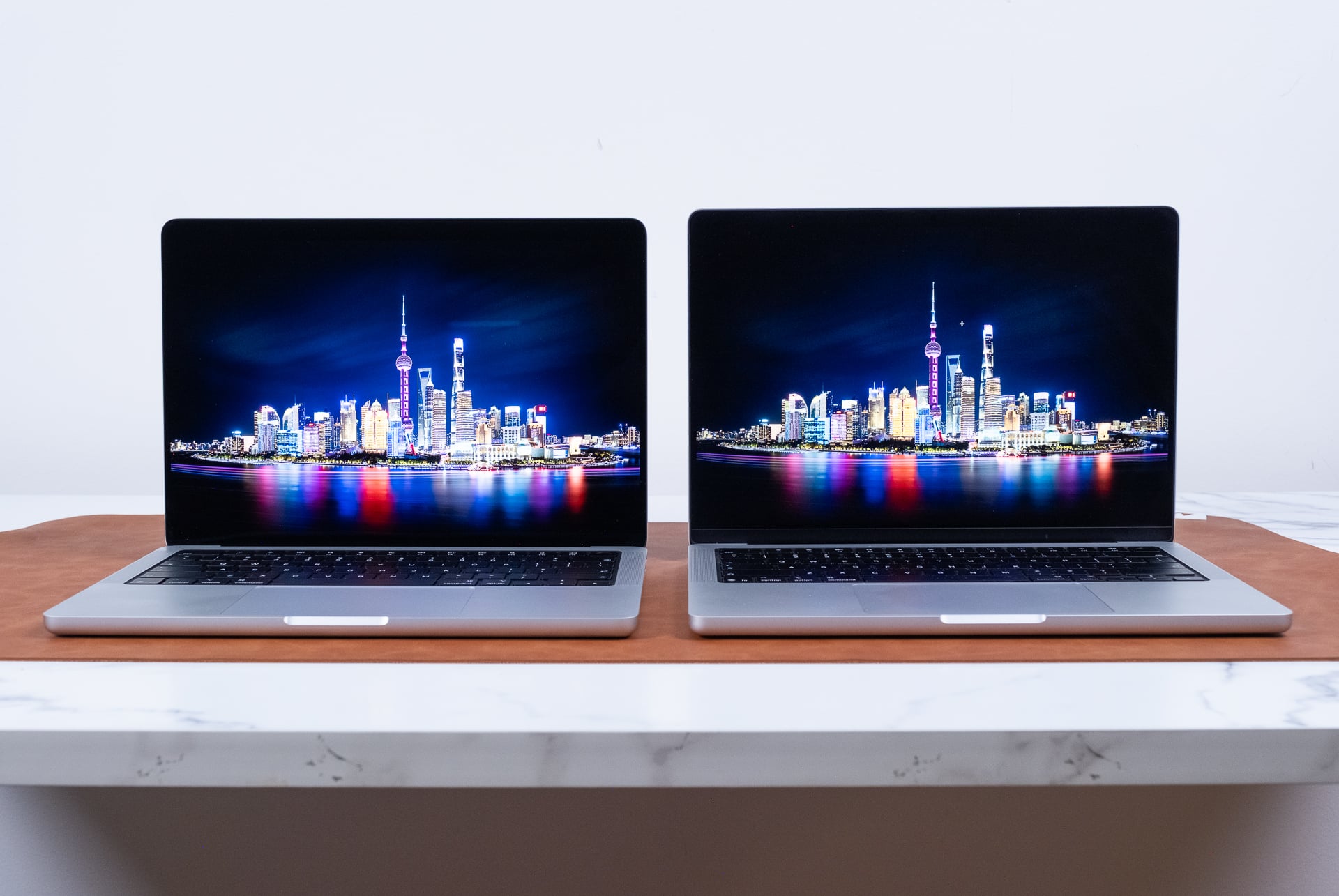
For review, Apple presented me with two enormously pretty, enormously expensive MacBooks. The 14-inch M5 Pro version Apple sent me for review included the larger 18-core CPU and 20-core GPU along with 64GB of unified memory. That model totals out to $4,099. The 16-incher, an absolute behemoth of computing potential with a 40-core GPU variant of the M5 Max, would cost me $7,399. That’s because the laptop comes with 128GB of unified memory. That’s because this ultra-high-end laptop was built to be a local AI powerhouse. I don’t even need to get into the nitty-gritty details before I tell you that—yes—this machine is the most sublime example of local computing in a mobile form factor.
I would normally break these laptops out into their own reviews, but I’m comfortable combining them since they’re coupled with the same display. Apple seems to be producing laptops built for our current K-shaped economy. There are certainly Mac fans out there who would spend any amount of money on a high-end Apple laptop. Meanwhile, the MacBook Air as the mid-level Mac for the rest of us is more expensive than ever thanks to memory-related price hikes. The MacBook Neo now seems like the only reasonably affordable option.
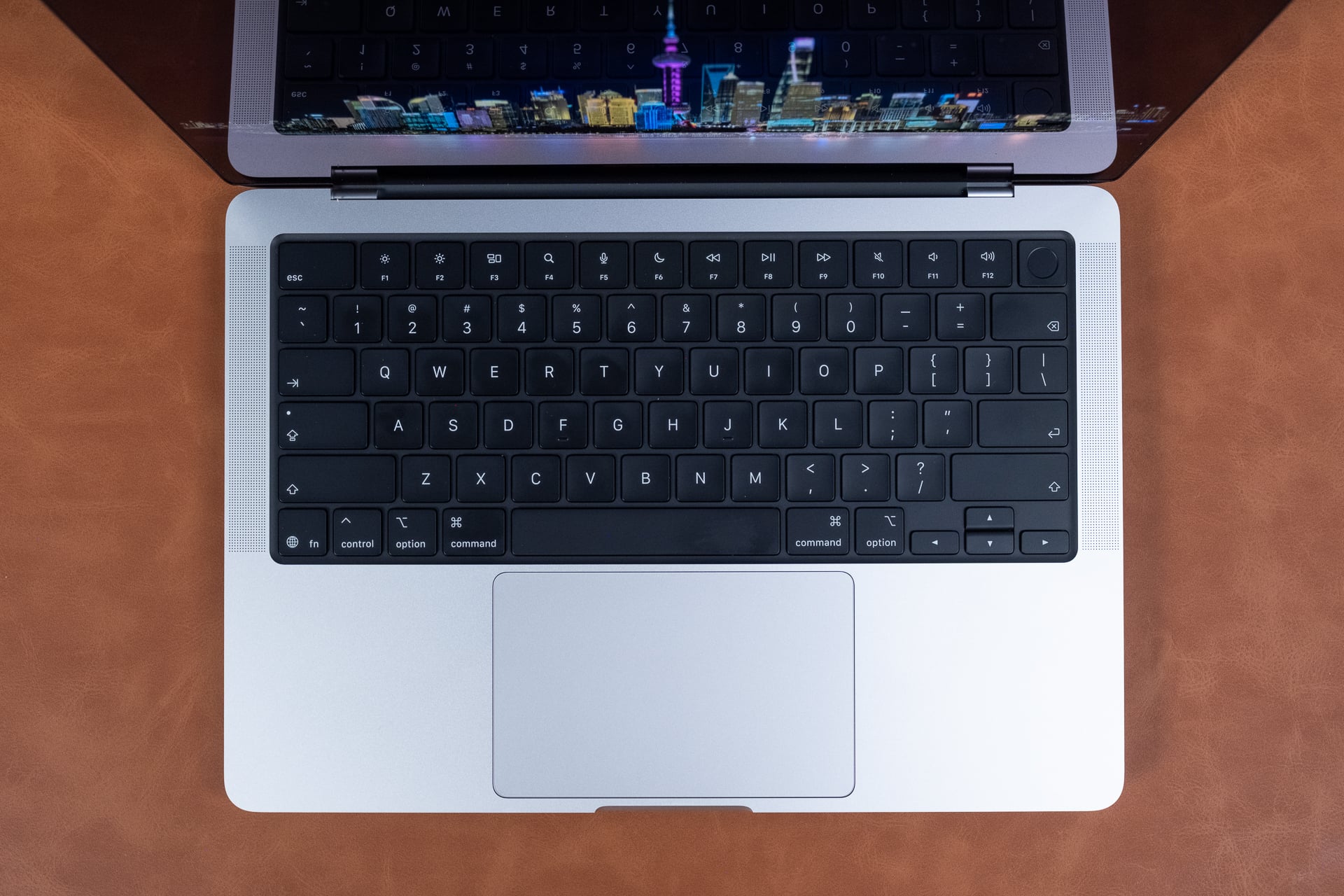
I can see a future where the only way to get the top-end chip is when you buy the PROLED XDR MacBook. Rumors stemming from Mark Gurman at Bloomberg suggest next-gen OLED MacBooks may support an over-the-top M7 Pro and M7 Max chip. I can’t tell you to wait any longer than you already have. All I can say is that I like what’s currently here, even knowing I—like many of you out there—would never be able to afford one.
A mobile OLED reference monitor
It’s in the name. Such a huge chunk about what makes the MacBook Pro with PROLED XDR unique revolves around the display. It’s making use of a tandem light-emitting diode display, but that belies just how different this screen is compared to other OLEDs you can get on laptops. It’s a “Pro” screen for actual professionals. I’m still having intense internal arguments ping-ponging inside my brain about whether that actually makes it worth the premium on top of another MacBook Pro.
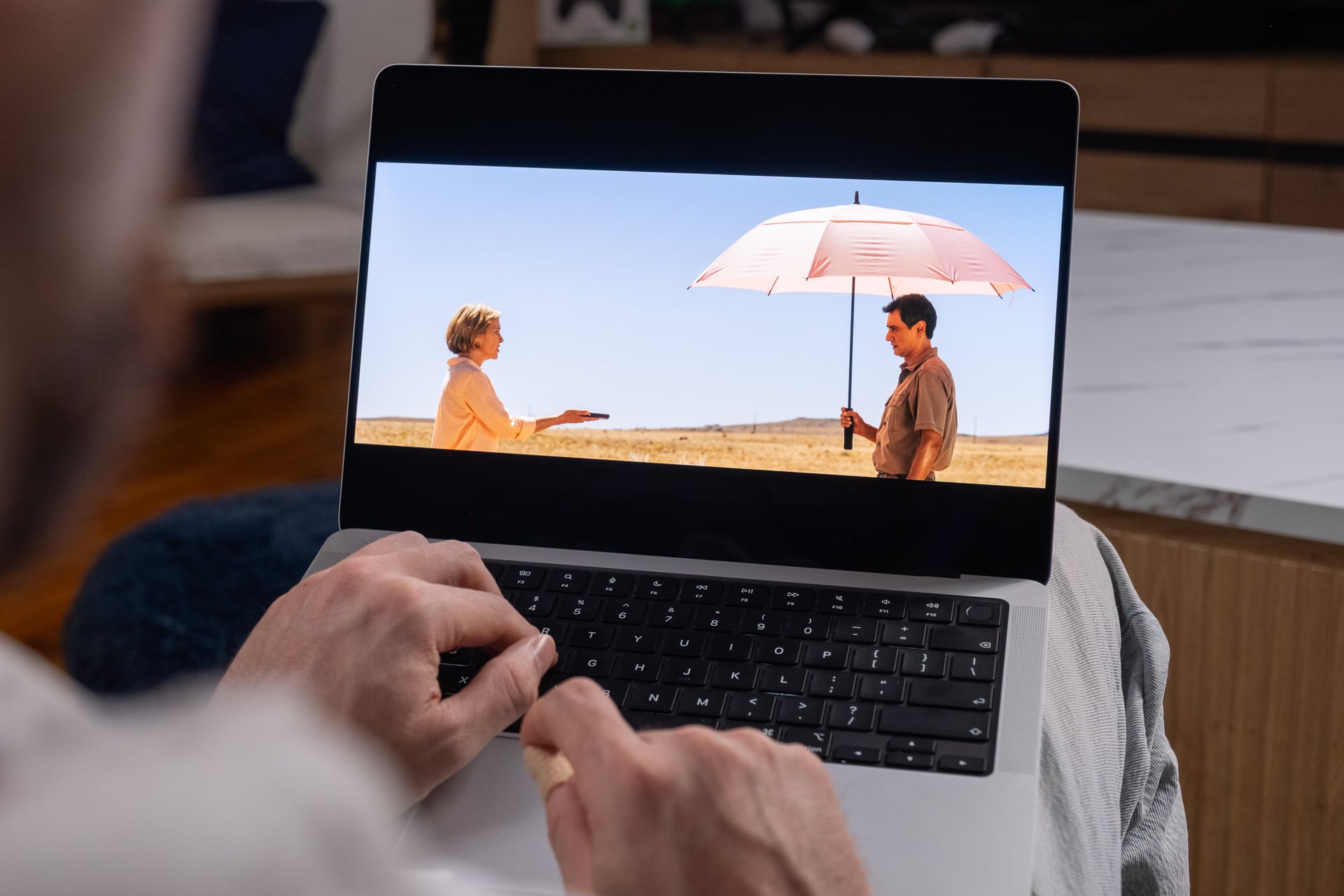
Across both sizes of display—14.3 inches and 16.3 inches—the OLED MacBook Pros are bright, maxing out at a stated 1,000 nits of typical brightness for SDR content and a maximum of 2,000 nits for HDR content. In practice, that’s plenty bright for daily use, but what makes Apple’s displays so appealing is how hands-off they are. The screens do a good job at determining ambient brightness for the best display quality and battery life.
Both support ProMotion, which means a variable refresh rate up to 120Hz. I would imagine Apple could even aim for a higher refresh rate considering the cost of these new Macs, but let’s be honest, you won’t actually need more than that unless you were intending to game at a high frame rate on a Mac—for some odd reason.
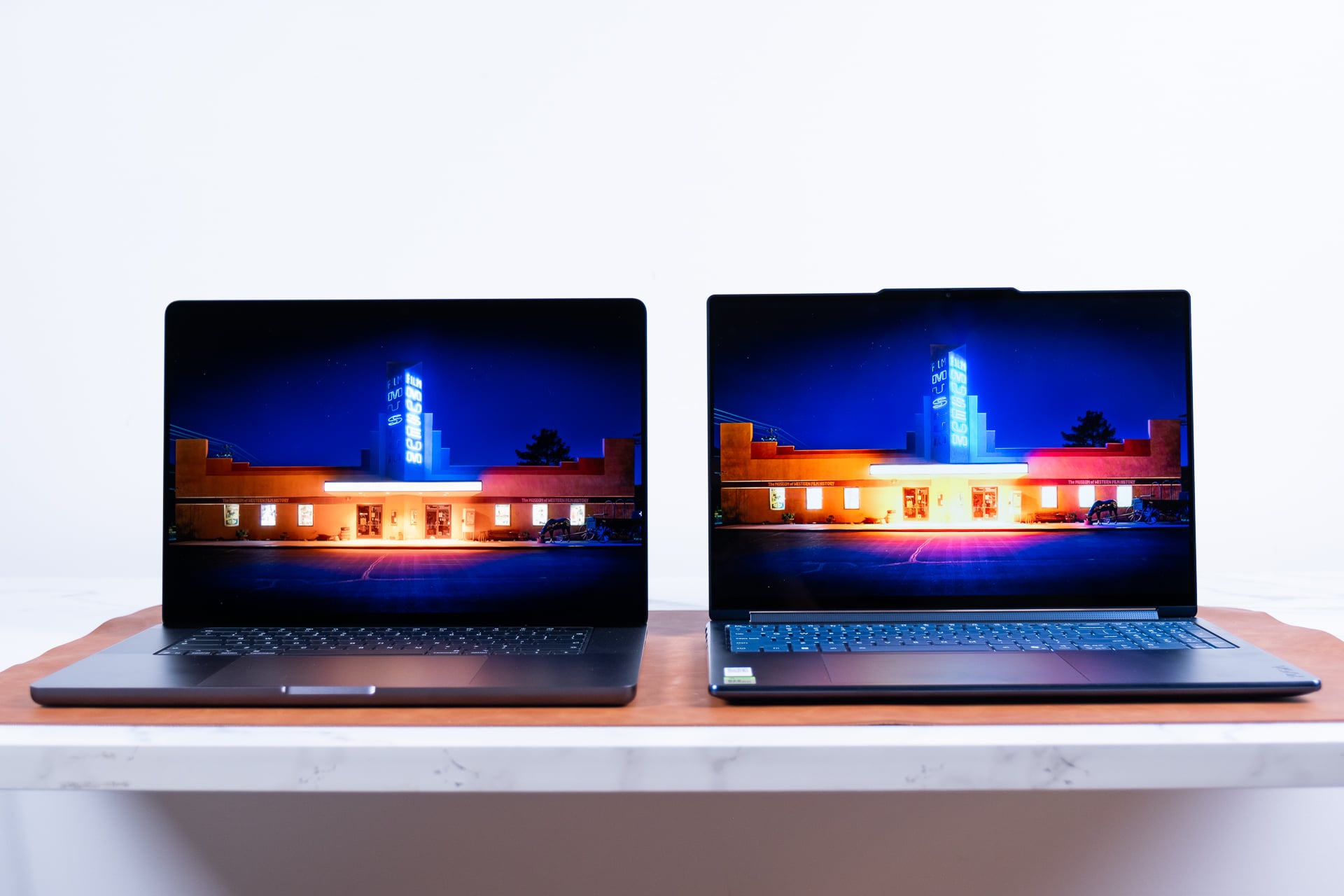
The MacBook PROLED XDR is not the typical 1,000,000:1 contrast ratio you find on most PC OLEDs. It’s a 10,000:000:1 contrast ratio, and if you have the two types of displays side-by-side, you’ll be able to tell the difference. I compared the same photos between the Lenovo Yoga 9n 2-in-1 with its 16-inch OLED display and the 16-inch MacBook Pro with PROLED. The difference was night and day—literally. The MacBook could allow for better definition and contrast without blowing out any lights that the Lenovo laptop would tend to do.
The MacBook’s black levels are so inky they practically blend in with the screen bezels (which, we should note, are smaller than the previous edition MacBook Pros). However, that’s for the sake of looking at an ultra-high-resolution image. If I’m watching other content or streaming 4K video, the difference isn’t as immediately apparent. When you compare Apple’s previous Liquid Retina XDR—which is a backlit mini-LED screen—to the modern MacBook OLED, the differences are less obvious if you’re thinking about these devices for the sake of photo or video editing. The XDR displays were already fairly good at displaying contrast, but any OLED will still have it beat for pure visual flair.
There are other reasons to consider this display. For one, it supports both the Adobe RGB and P3 color gamuts, and you can even use them both under a single display setting. If you wanted to get even more into the weeds of color accuracy, the PROLED XDR is the only other display other than the Studio Display XDR that supports the Apple CMF 2026 color calibration space.
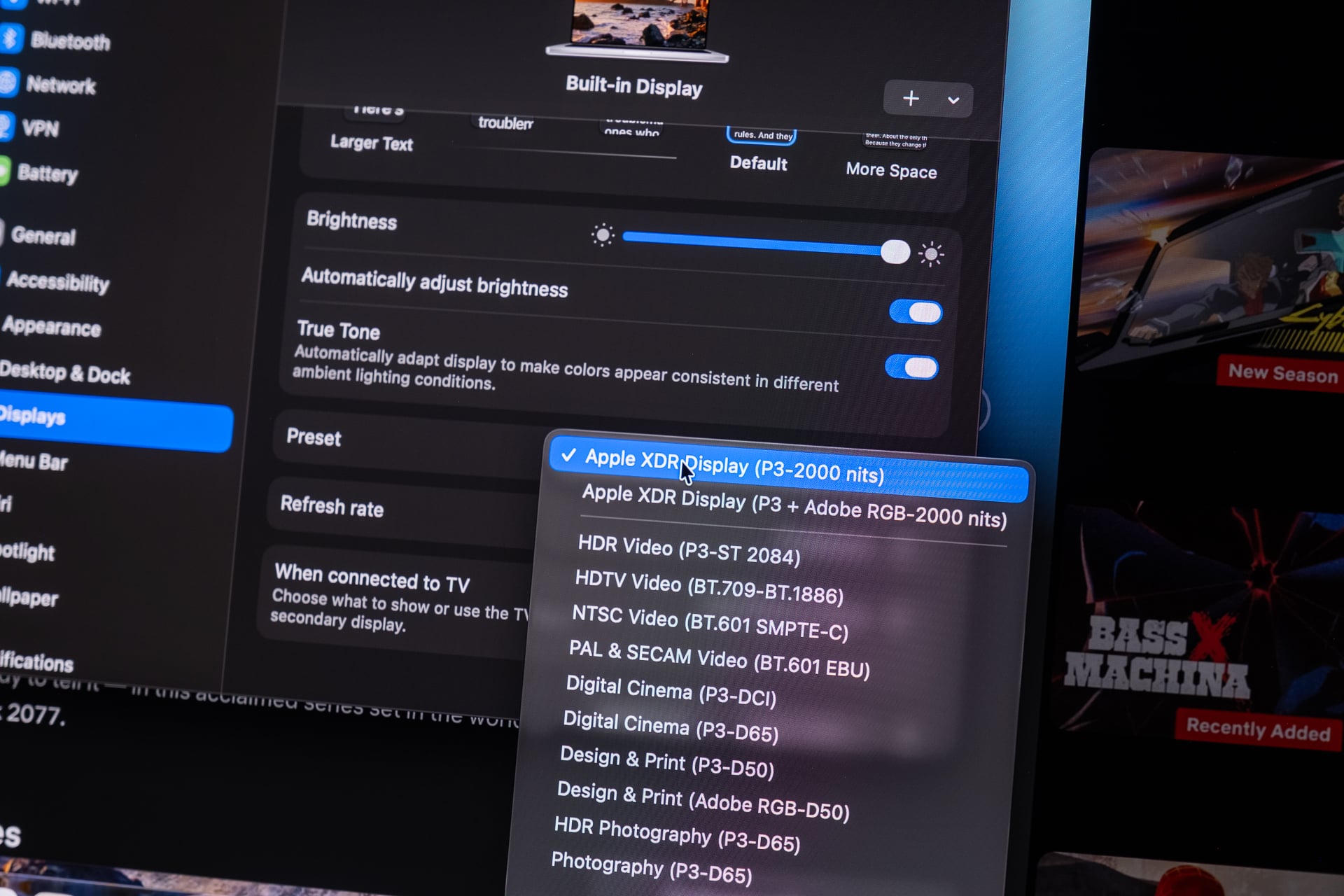
There’s even more to say about the wheres and whys of this display, which I’ve previously covered here at Gizmodo. However, some things are only apparent when you actually get up nice and close to these displays. One thing to note is that the PROLED XDR is fairly good at resisting reflections and glare. That’s because they have a special etched display layer that’s not the kind of paper-like look of a nano-texture coating. I would suggest anybody thinking about these screens avoid paying the extra $100 for Nano-texture. It’s not worth it.
There’s one other sticking point I know will crop up within the bowels of Reddit. OLED displays can run the risk of burn-in, where static images appear emblazoned on the display. Apple claims its using pixel-by-pixel compensation to ensure the screen doesn’t create any ghost images. That being said, the laptop comes with just a one-year limited warranty, which would end long before you would likely experience any burn-in issues. However, a multitude of tests for modern OLED monitors show that you have to really try to screw your screen to create any problems. I trust most users will be perfectly fine after enough time.
I have to tell you about the sound

I know, I know, you’ve spent so much time looking over the screen upgrades you didn’t even think to consider other hardware upgrades. In that regard, the MacBook Pro with PROLED XDR may become my favorite device for all sorts of content. The audio setup includes the same six speakers with four force-cancelling woofers, but the upgraded drivers on the models offer a sound quality that is much cleaner than before.
I listened to several rounds of music, bouncing back between the Liquid Retina XDR 14-inch MacBook Pro and the new version. The last-gen chassis has an audio quality that feels muddier, especially in the mids and highs, compared to the new version. That’s not to say the old version sounded worse, but it’s hard to go back to the older model when I spent so much time watching late-night movies on its pretty screen.
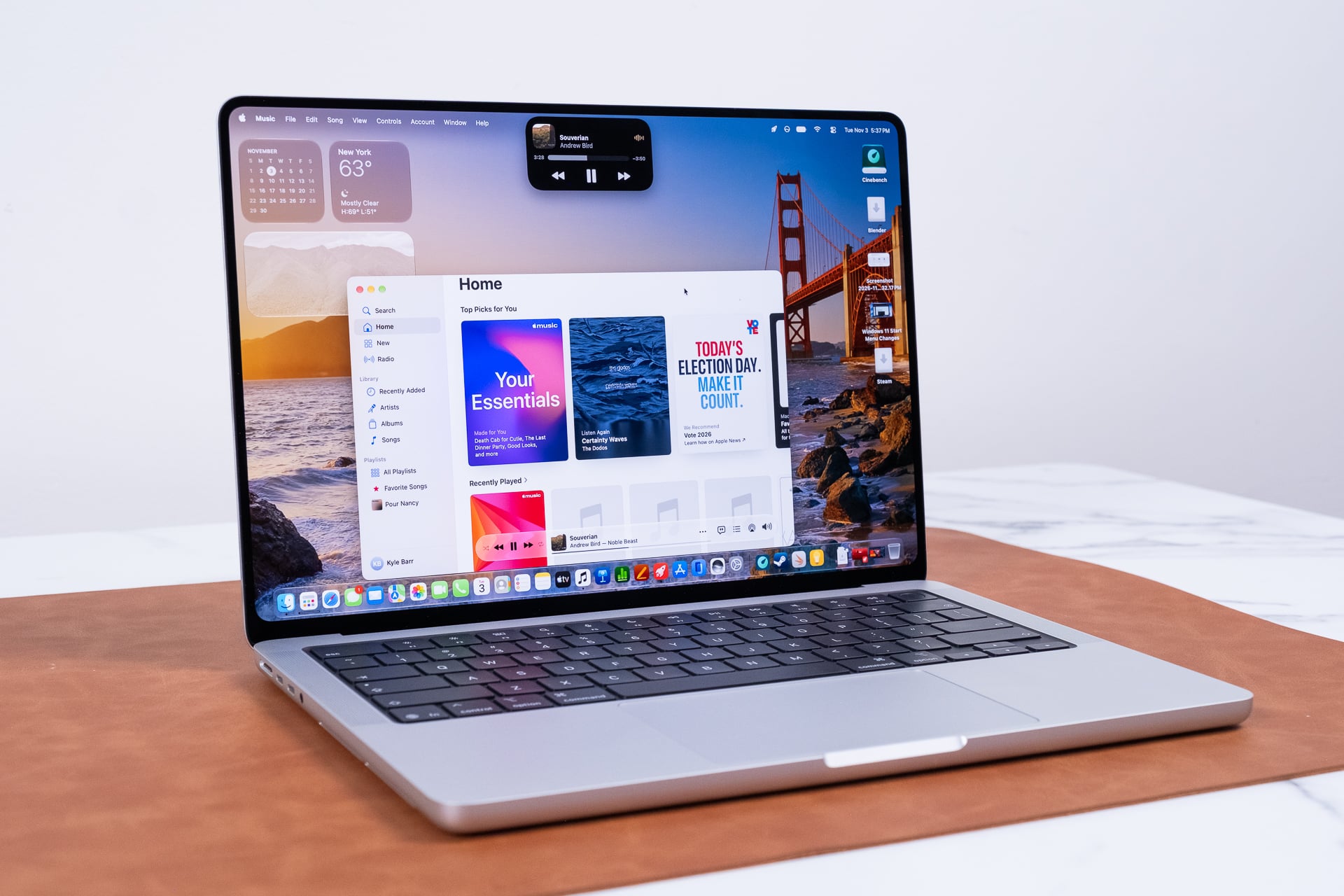
Now, if the question is whether you get a supremely better sound quality on the 16-inch versus the 14-inch, then you shouldn’t worry about opting for the more compact variant. The 16-inch models can sound slightly louder, but both support stereo and spatial audio. As I watched Apple TV’s Silo, swapping between the older and newer Macs, the PROLED XDR models felt more present, so much so I didn’t even think I’d want to grab a pair of earbuds unless I was at risk of annoying my roommate the next door over.
Not everything’s improved. The MacBook Pro still uses the same 12-megapixel Center Stage webcam as it has in the past. It’s good enough for video calls. It helps that it manages to keep you in the center of frame no matter how hard you try to lean out of frame during a boring work meeting. I’d like to meet the one person on earth who, after the pandemic, created a cultural epidemic of Zoom meetings and is still somehow excited by a more-impressive webcam.
See MacBook Pro (PROLED XDR Display) at Amazon
See MacBook Pro (PROLED XDR Display) at Apple.com
Reach out and touch faith
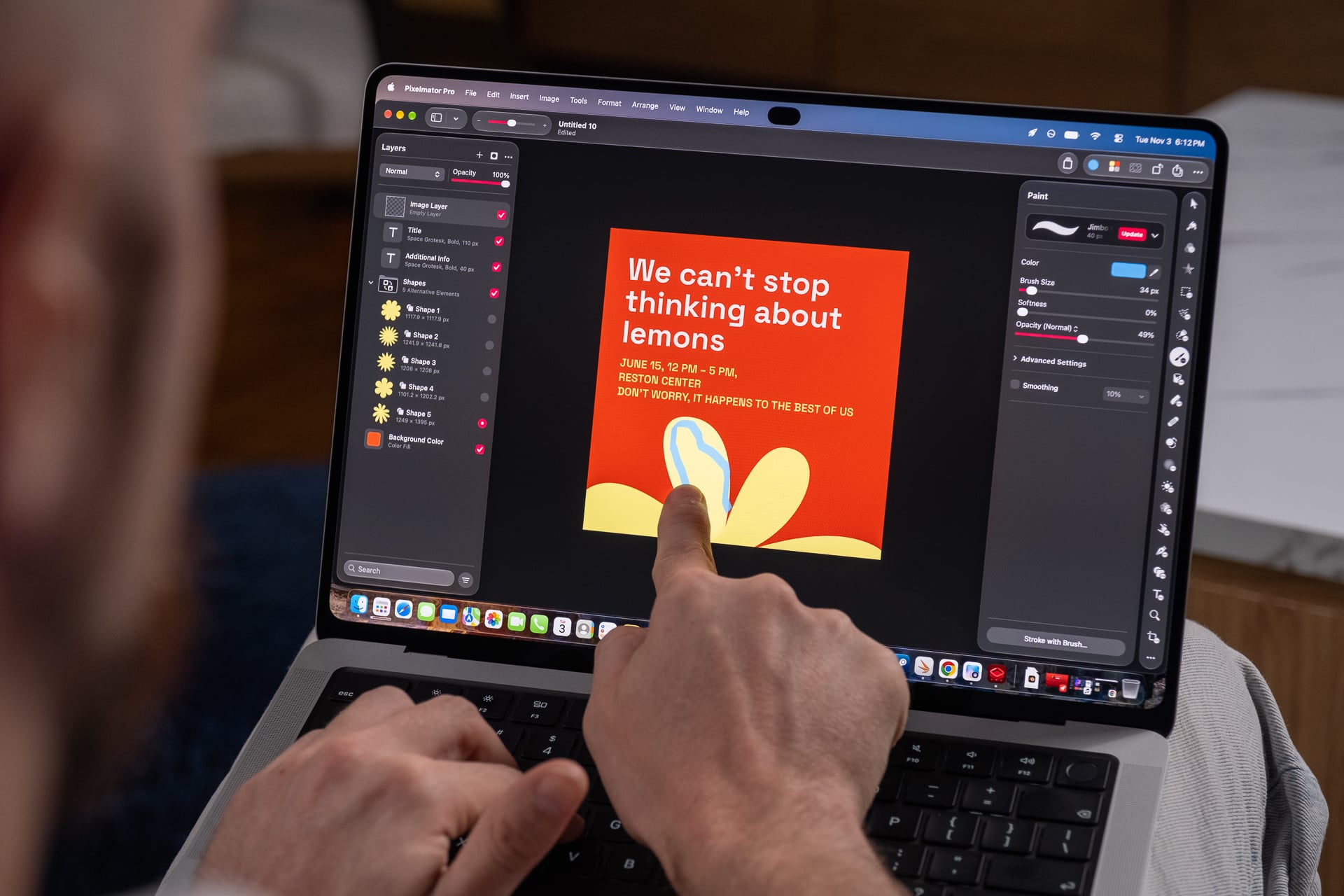
I’m pretty damn tired of the pundits running off about how Apple’s previous executive teams all said they didn’t want to combine a “toaster and a refrigerator” by applying a touchscreen to a Mac. Sure, it’s fun to throw eggs at the monolith of the tech sphere, but none of that actually matters to the consumer. All you want to know is if the touchscreen works and what it’s useful for.
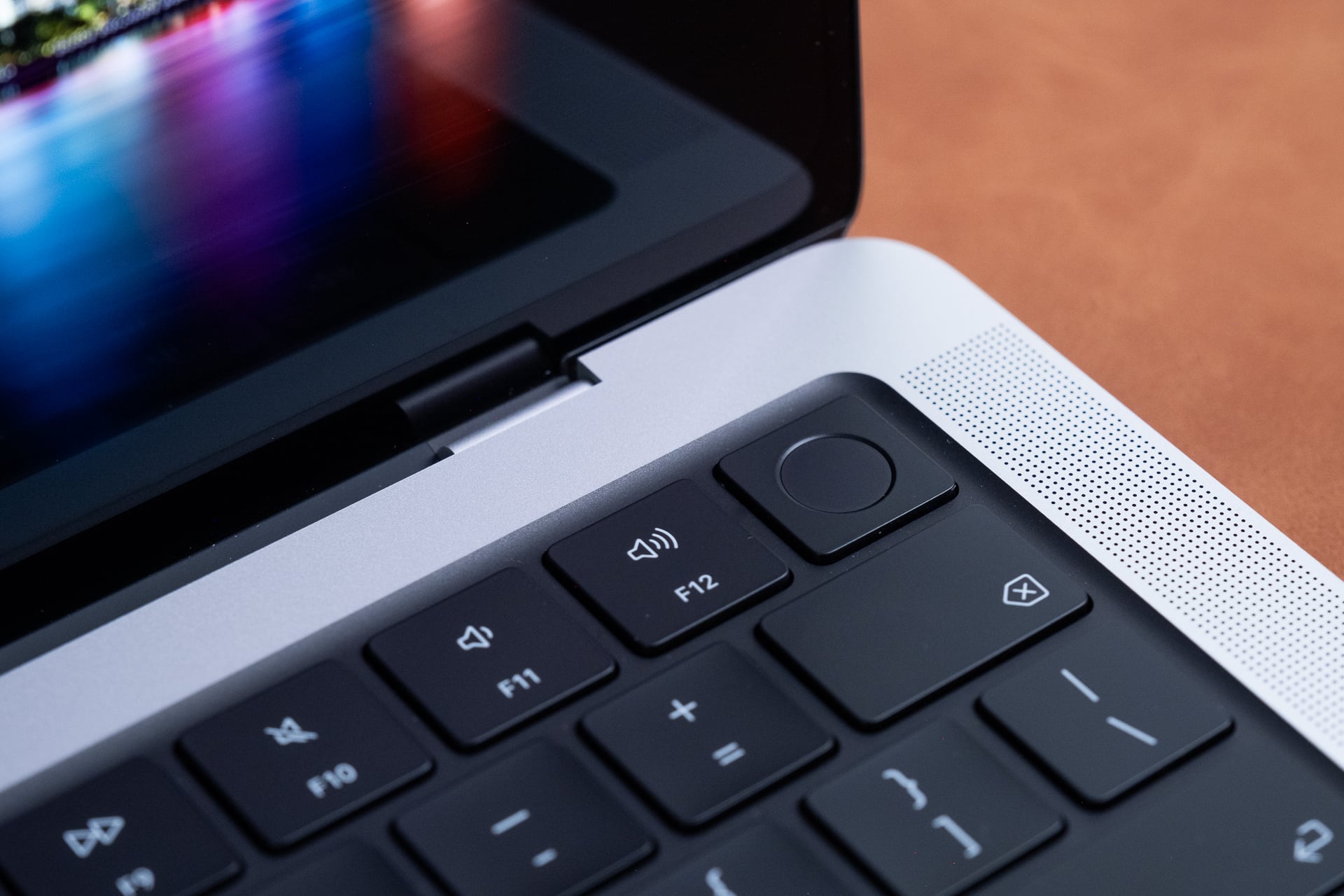
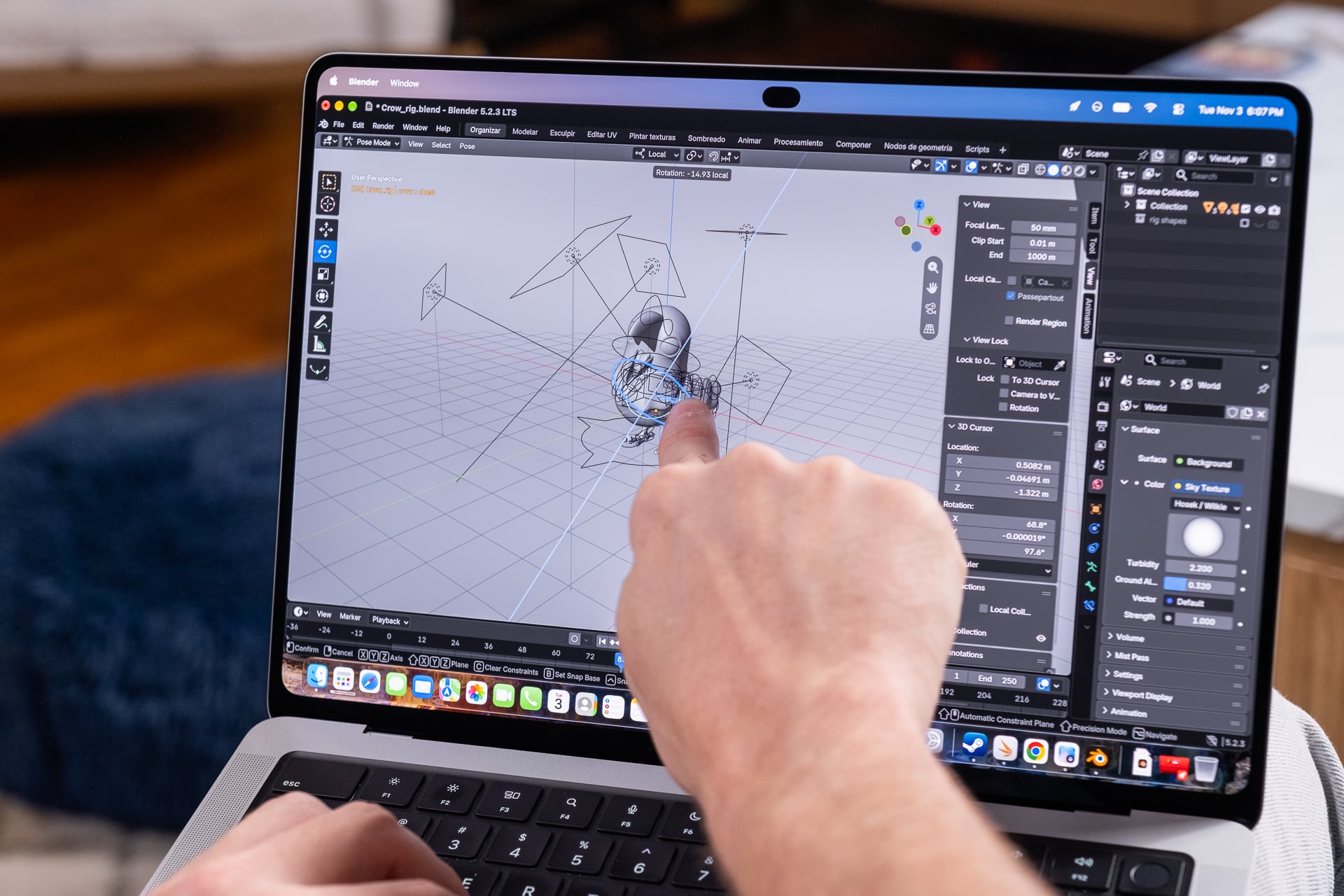
In that vein, we have to recognize the MacBook Pro with PROLED XDR as a wholistic product. Because in the end, you’re not going to end up using a touch display all too often. I will sometimes use my fingers when doing a quick crop of my photos or use the touchscreen to fling my various windows to tile on different sides of the screen. I’ve also gotten into the habit of using a three-finger gesture on the screen to swap between various desktops I have open. It’s the same gesture you have on the trackpad. In fact, most of the touchscreen capabilities are cribbed right from Apple’s Force Touch trackpad.
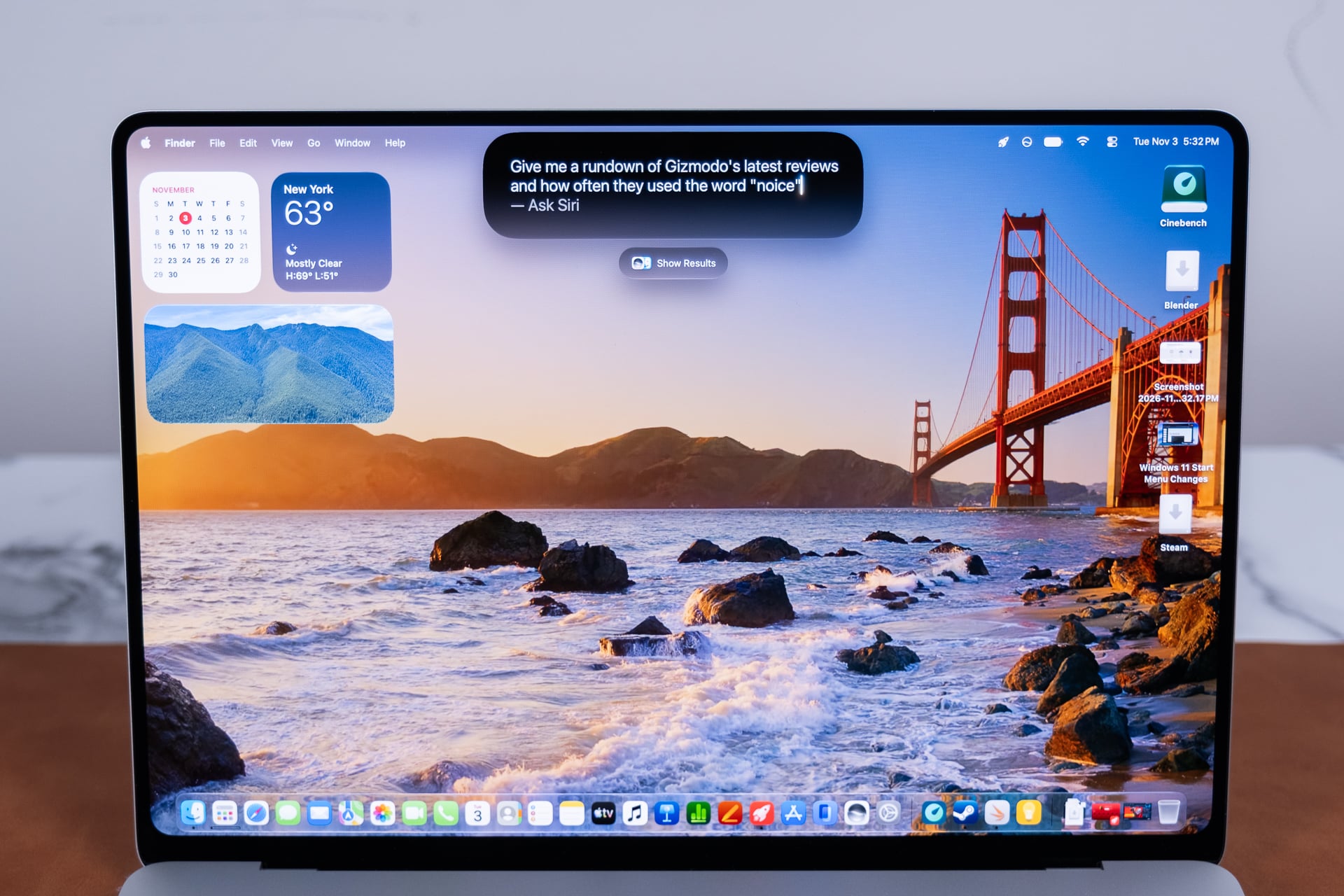
Apple did have to make many modifications to macOS 27 to facilitate this touch transformation. For instance, if you touch the close window button at the top of a window, it balloons out to make it easier to press with your meaty digits. As I mentioned, I also enjoy how easy it is to tile apps with an iPadOS 27-like flicking gesture. The touchscreen is occasionally useful. It’s not the end-all-be-all. But it sure is handy.
If you’re one to use the iPhone mirroring feature on MacBook Pro, the touchscreen makes it more intuitive. Instead of having to click on the bottom bar to minimize an app, you can simply swipe up from the bottom of the mirrored iPhone, like normal. Using the touchscreen on the mirrored iPhone isn’t as snappy as the real deal. It’s obvious though that Apple has been working towards this touchscreen design for a while, as more and more macOS features start to make better sense with the touchscreen in tow.
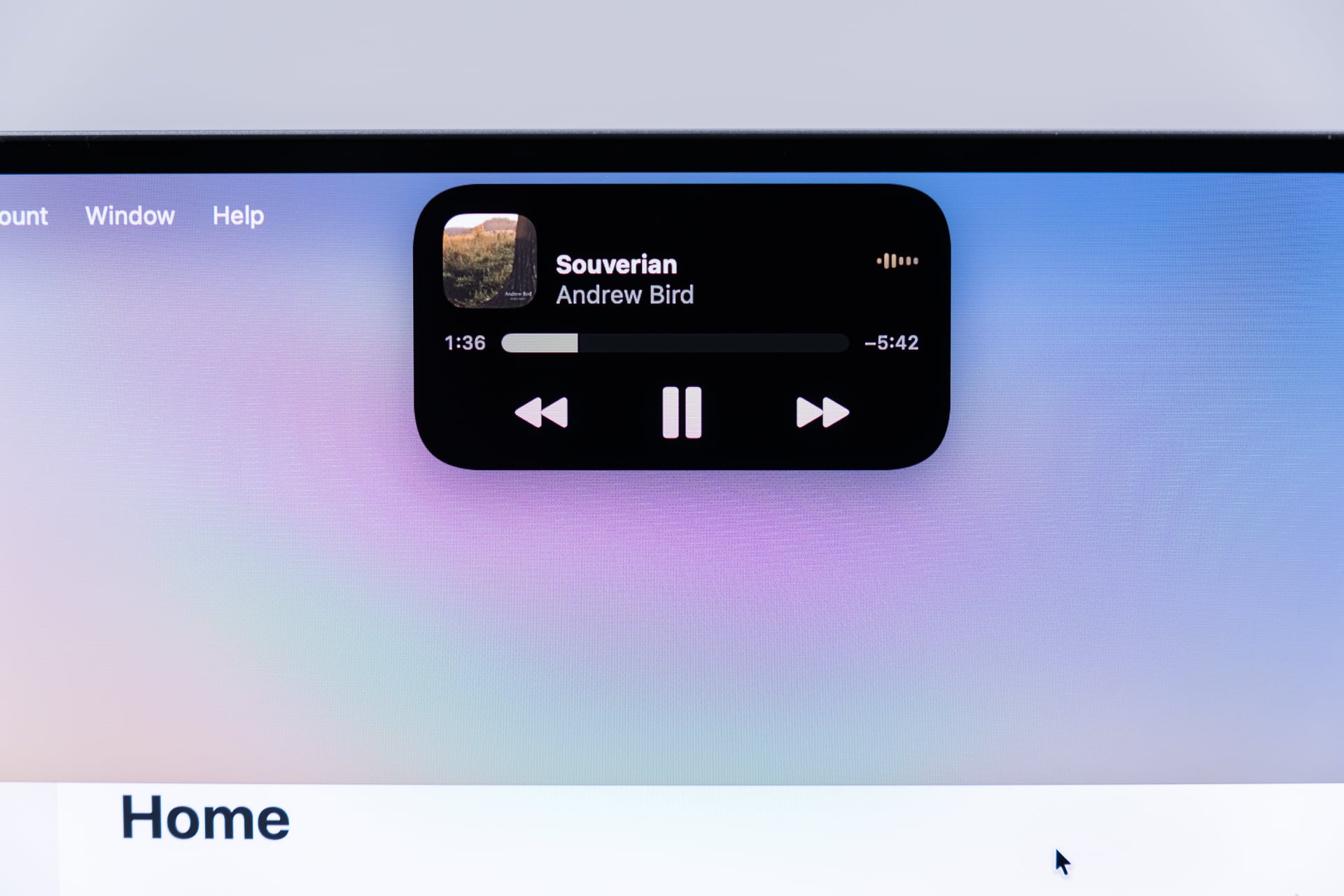
What the touchscreen grants instead is probably my favorite change of this whole design. The notch is gone, and thank all the gods above and below for that. The old camera cutout hanging down in the center of the screen is replaced with a Dynamic Island ripped straight off the latest iPhones. The morphing black bubble offers media controls for whatever music or movies you’re streaming. It even notifies you when your AirDrop is incoming. A touchscreen isn’t necessary for this feature, but it’s much more sensible here than on a non-touch-based Mac.
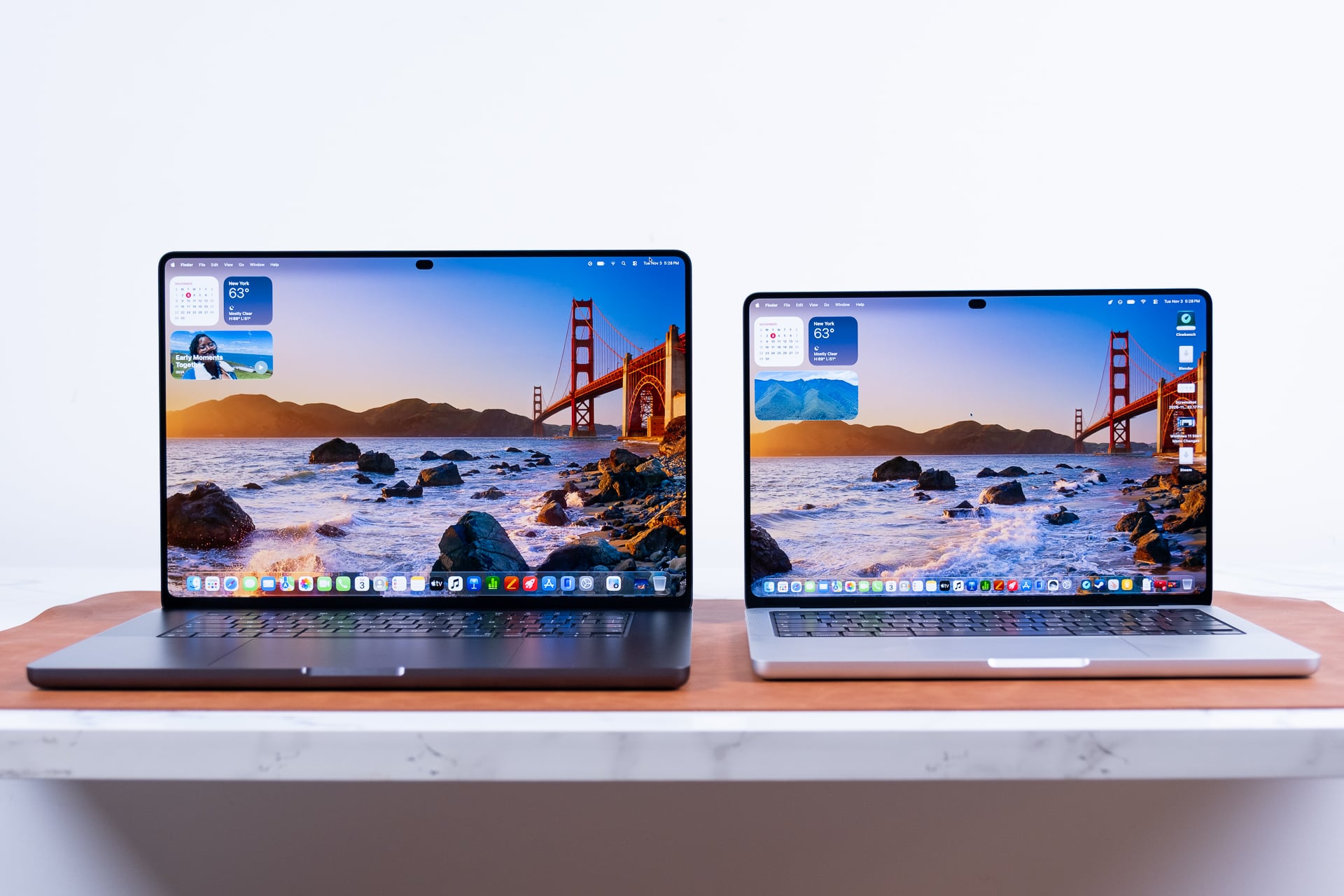
This is not a display built with touch in mind. It doesn’t include an 180-degree hinge that will let you lay the Mac out flat on a table. It’s not a 2-in-1 design with a 360-degree hinge, such as with Lenovo’s recent Yoga 9n 2-in-1. This is not some pseudo tablet, either. The latest MacBook Pro models do not support a stylus on the screen. You can tap around with an Apple Pencil Pro—its a capacitive screen after all—but it won’t allow you to use any of the unique pressure sensitivity or haptic controls of that high-end pen.
Here’s the thing—I actually don’t think that a 2-in-1 is a peak design for creators, either. Having to fold your entire laptop backwards isn’t fast or intuitive. Most people who buy a 2-in-1 without an explicit plan to draw things on the screen rarely make use of a tent mode anyway, especially if you enjoy watching content on the couch or in bed. If Apple really wanted to force the iPad and Mac to have a baby, it would need to throw out modern conventions and give us a screen that moves on more than one hinge. I doubt that’s going to happen any time soon.
The world’s proudest and loudest Mac
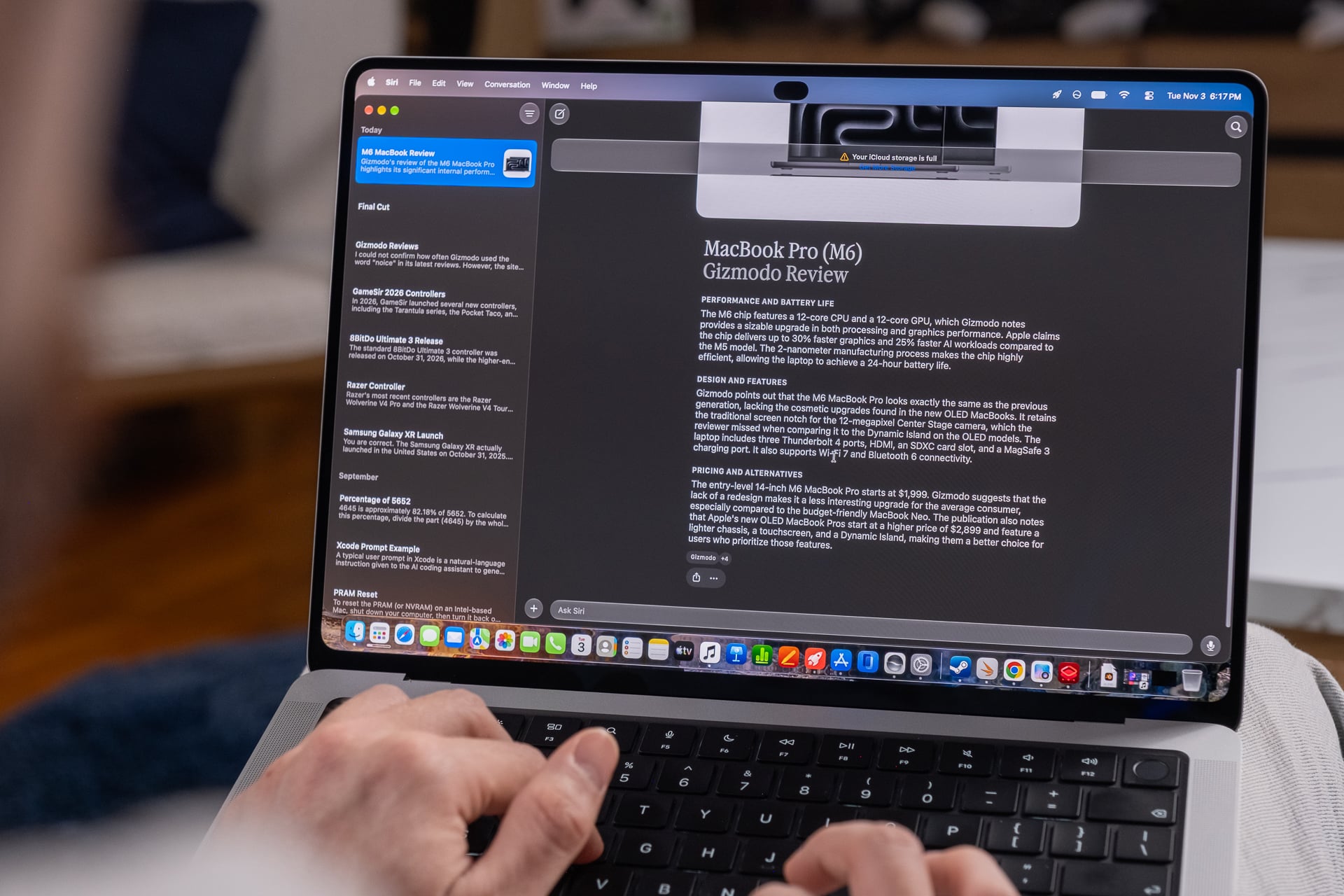
OLED is a thinner material than the backlights necessary for an LCD-type panel. Apple has implied that the reason these laptops weigh so much less is directly tied to the weight reductions of the screen. And let’s just be clear that the 0.5 pounds less heft that you carry around with the 3-pound, 14-inch MacBook Pro with PROLED XDR is massive. It takes what was previously a relatively heavy-duty 14-inch laptop and makes it the kind of device I don’t mind shoving in my bag when I need ports, performance, and what’s probably the best laptop display you can buy today.
The 16-inch model is also significantly lighter at 4 pounds compared to the Liduid Retina XDR’s 4.7 pounds. You can consider other sturdy laptops like the 15-inch Microsoft Surface Laptop Ultra at its 4.41 pounds and realize that weight reduction is even more significant. Still, Apple can no longer claim to be the only laptop maker with 16-inch designs skinny enough to fit in a backpack. Several of the recent RTX Spark PCs—all built to directly compete against the MacBook Pro—weight less than the 16-inch MacBook Pro. For example, an Asus ProArt P16 RTX Spark PC clocks in at 3.9 pounds.
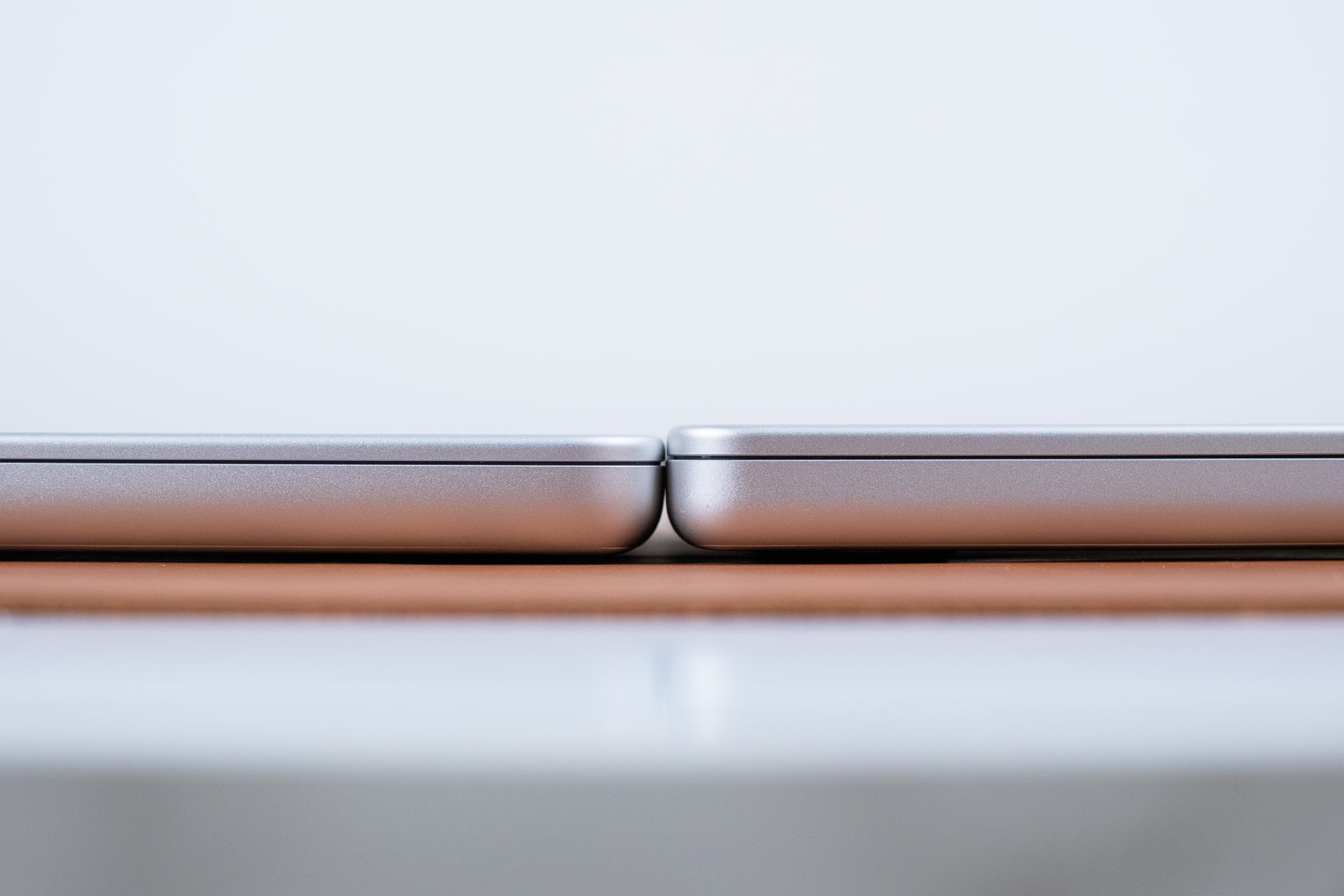
You may be wondering if Apple managed to get these to feel thinner. And they are, if only by the equivalent of two credit cards stacked on top of each other. It really doesn’t change much, though I’ll also note that the 14-inch laptop is slightly less wide when closed up, making the whole shell feel slightly more compact than before.
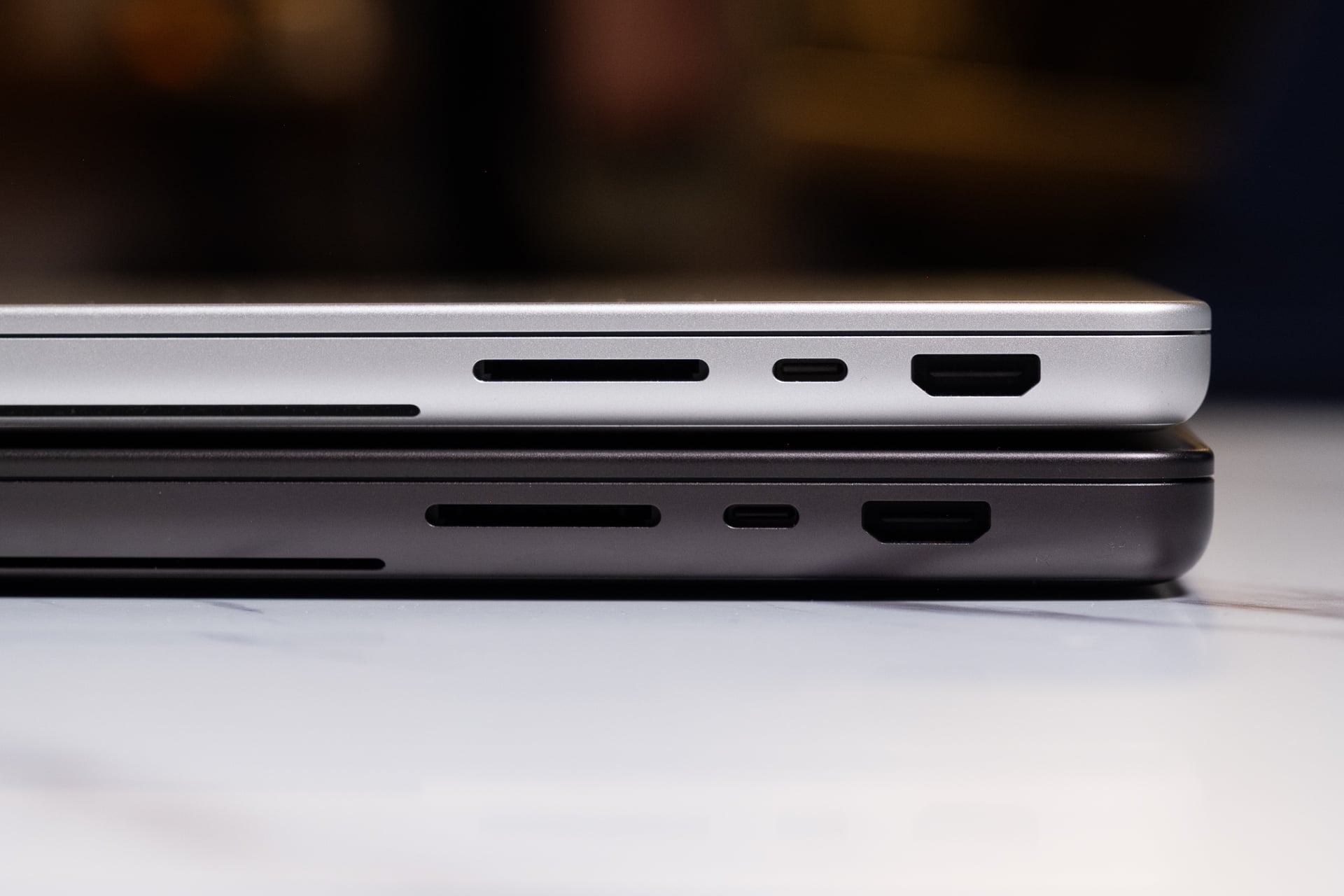
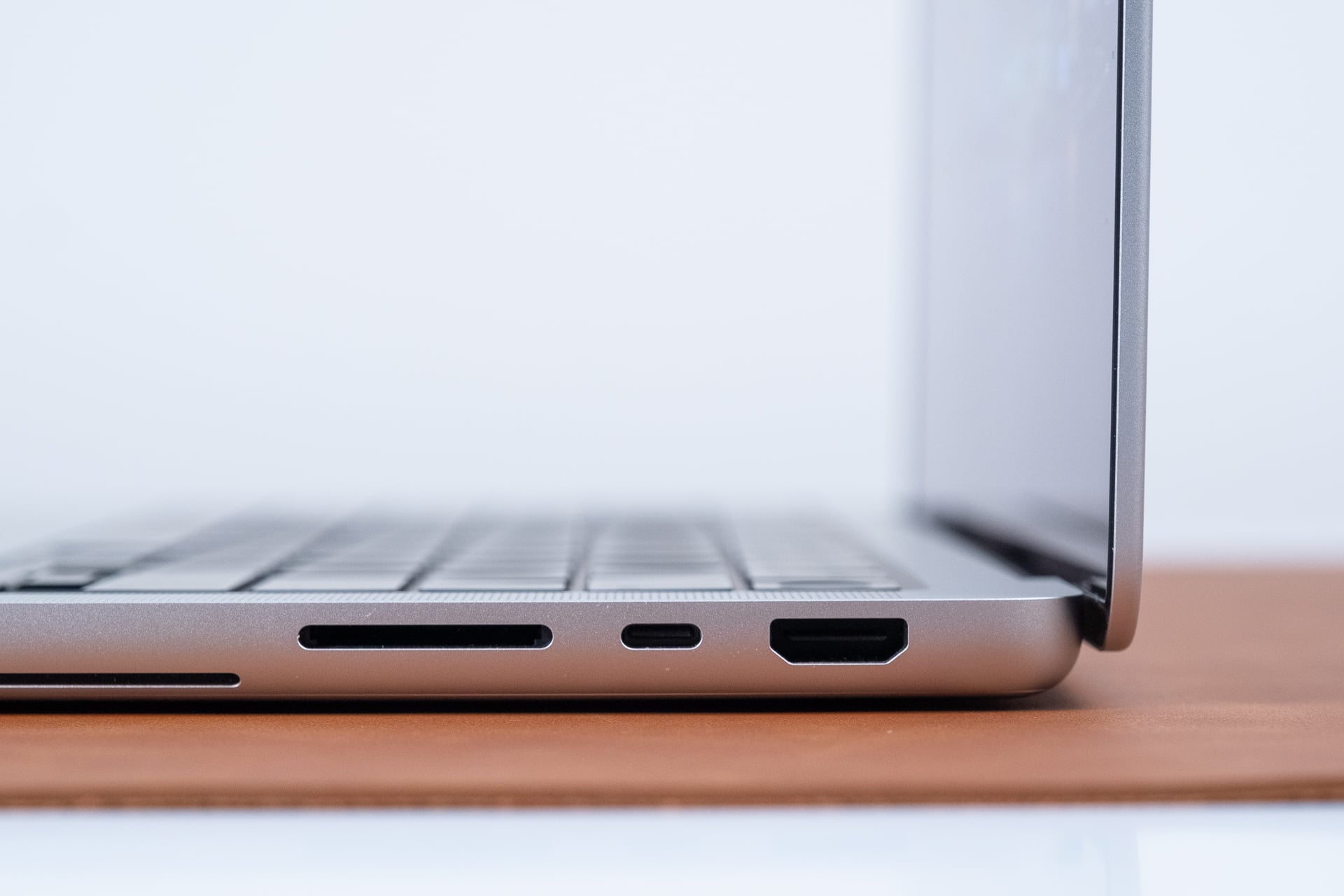
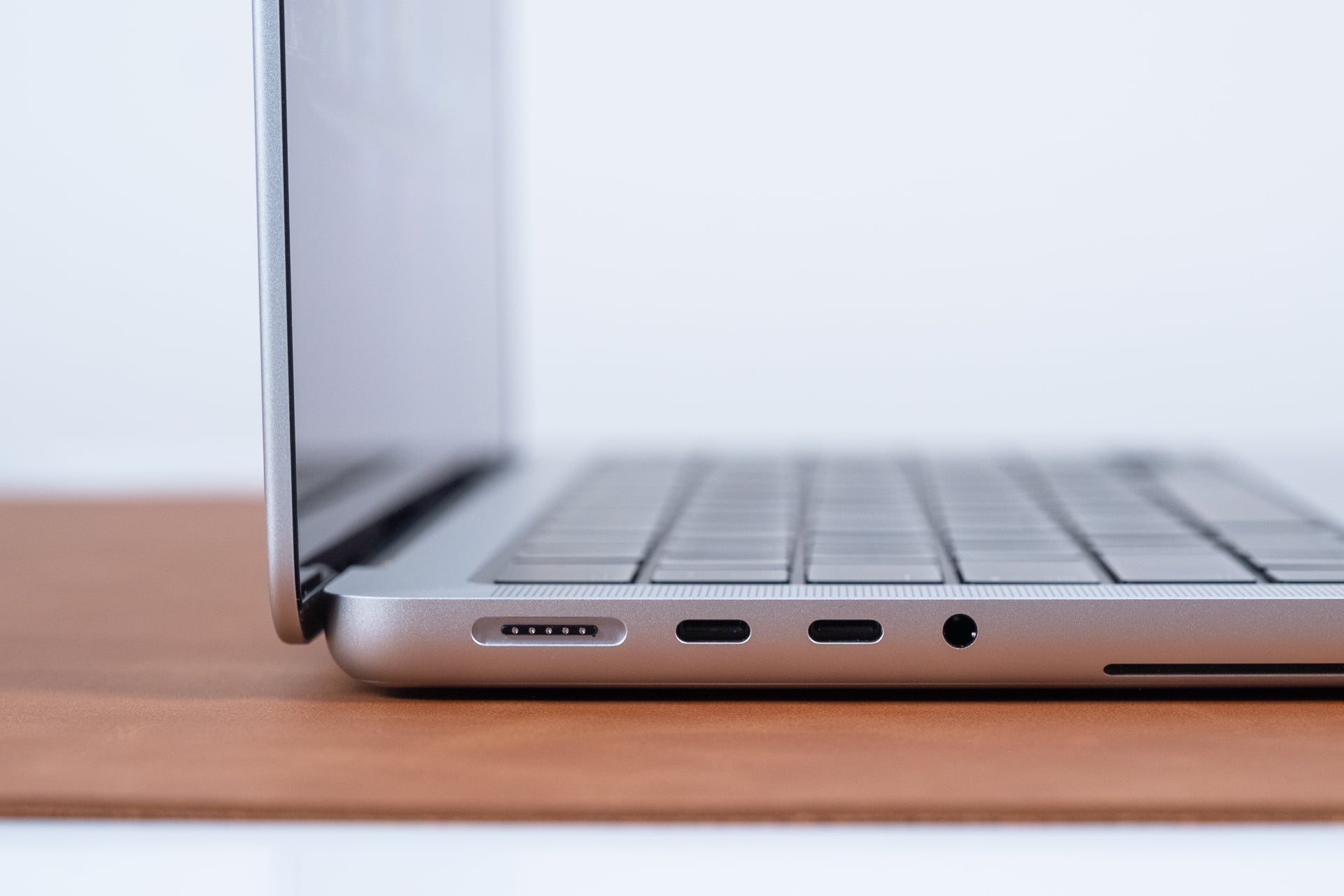
For all the attention Apple paid to the screen, the main body is essentially the same as it ever was. Both the M5 Pro and M5 Max models come with three Thunderbolt 5 USB-C ports (one on the right and two on the left). Even the new M6 MacBook Pro is limited to Thunderbolt 4. Then, there’s a good-old combo of HDMI 2.1, an SD card reader, a headphone jack, and the MagSafe charging port.
The Magic Keyboard and trackpad are the same here as well. I do wish I could have a keyboard with more clacky keys and longer key travel, but I don’t know if Apple will ever abandon this design at this point. If you’re used to Macs, you’ll feel right at home. What you may not be used to is the fan noise. The new MacBook design has reinvented internals and thermals, and that’s in part to handle the heat from the OLED displays. When you push these Macs to their limit, those fans will kick into high gear, kicking out enough heat to toast a lap if you’re not careful.
Even running at their peak, neither the M5 Pro nor M5 Max MacBook Pro ever felt warm along the palm rests. The keyboard started to get a little warm, but never uncomfortably so. I also need to mention that the fans only kicked on when pushing the CPU to its peak in benchmarking and when gaming. Still, if you’re used to a silent Mac, you’ll be surprised how loud Apple can kick it when it’s trying to prove itself the most powerful mobile computer around.
Yeah, they’re powerful
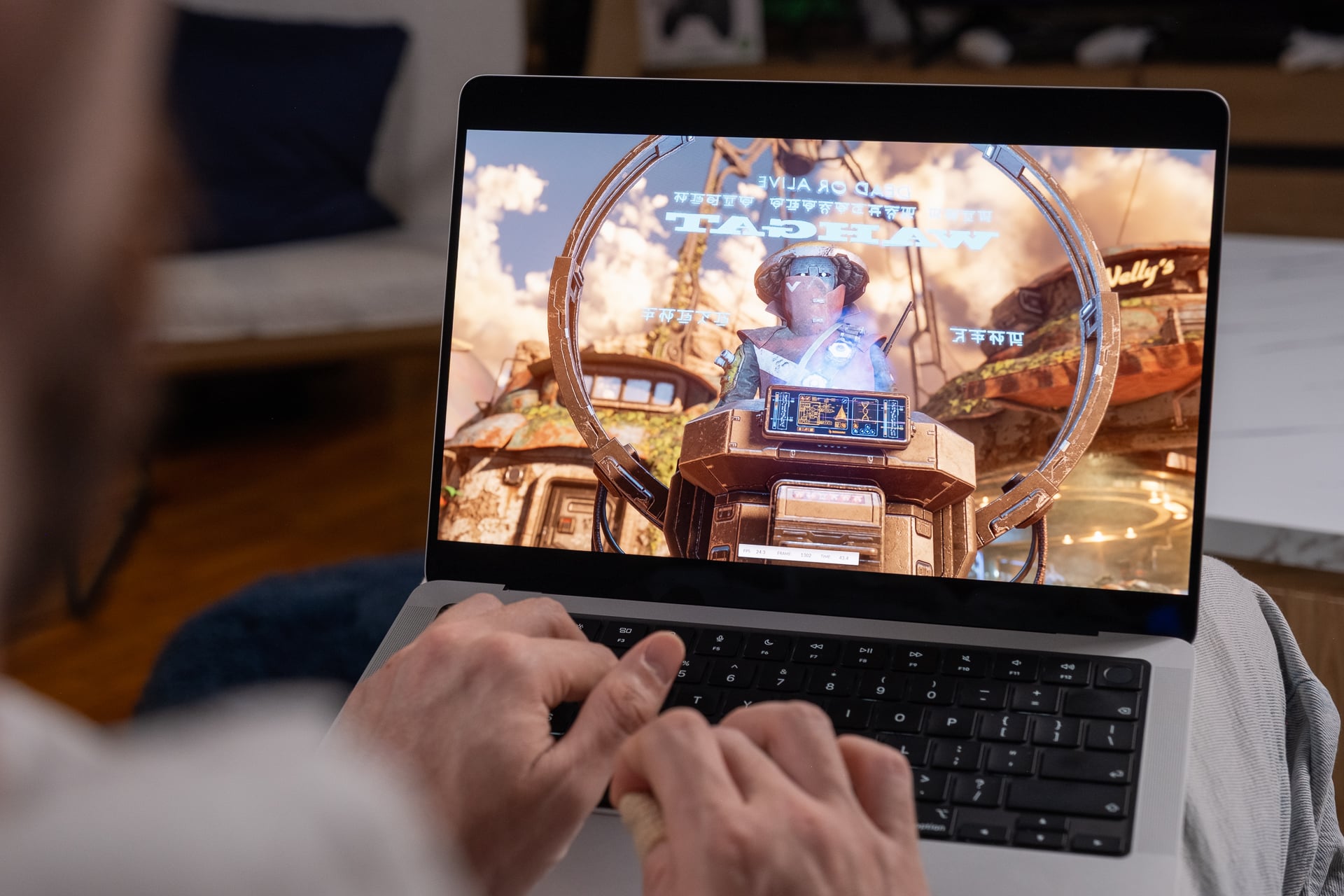
I already mentioned before that the new MacBook models aren’t promising any increased performance compared to any old M5 Max MacBook Pro from before. They’re still the most performant laptops you can buy today.
At this point, I don’t know where to pin the “Best Benchmark” pin on Apple’s uniform that’s already festooned with accolades. The M-series processors continue to outshine the competition when it comes to raw number crunching. For instance, if I compared that Microsoft Surface Laptop Ultra I mentioned before with its Nvidia N1X chip to Apple’s M5 Max, both with the same 128GB of unified memory, Apple’s latest scores close to 35% better in Geekbench 7 multi-core settings. That’s a test that tries to emulate a CPU’s various capabilities. If I tested the two in Cinebench 2026 for CPU rendering, the M5 Max scored just over 28% better.
By comparison, the M5 Pro processor is Apple’s sleeper hit of the year. This chip scored only 12% behind the M5 Max in Cinebench 2026 tests. That means it was only seven seconds slower, at about a minute and six seconds, to complete our Blender benchmark, where we measure the time it takes to render a BMW using the CPU. This chip is a solid all-rounder that only ever loses out when we check out GPU performance.
At this point, GPU performance is the metric you really want to check for the sake of—well—anything to do with the big use cases for these ludicrously expensive machines. In that regard, Apple still stands on top, with the M5 Max hitting 30% above the best we’ve seen from RTX Spark in 3DMark Steel Nomad benchmarks. The M5 Pro, meanwhile, actually manages to stay on pace with the Lenovo Yoga 9n 2-in-1 with the same 64GB unfired memory spec. These is all good news for Apple fans who want to bask in the glow of their bright screens without feeling they’re getting the short end of the stick compared to PCs.
As much as Apple implied things haven’t improved between the non-OLED and the new PROLEDs, I have to give them props for managing its thermal design better than before. The last version I used seemed to throttle when pushed to its peak, such as when running Cyberpunk 2077 for an extended period of time. It was especially problematic on the smaller chassis, which was especially limited by its nearly five-year-old fan design.
On the 16-inch M5 Max MacBook Pro running at 1448p at ray tracing ultra graphics settings, I could achieve a stable 60 fps with the help of MetalFX upscaling. The previous designs would throttle performance over time, but I ran the game for more than 30 minutes and didn’t measure any frame loss in that time.
A strong battery life, plus AI, I guess
Apple will still want to claim its standing proud with a 24-hour battery life, but in the end what that actually means is you can expect to get a full day’s work out of these. Apple’s redesigned chassis is also built to handle the different battery requirements of OLED. That being said, Apple has gone up to a 72.6Wh battery compared to a previous 72.4Wh on the 14-inch MacBook Pro. Apple maintained the same 100Wh battery on the 16-inch model.
I found that across both the 14-inch and 16-inch MacBooks, I could make do with around 8 hours of battery life, though that’s when focusing on only writing my regular duties with some video streaming mixed in. Pushing the screen, GPU, or anything else would readily deplete my stated longevity, but that’s to be expected. So the question is, what will you try to run on the device, considering you don’t lose any real performance when using the battery?
Apple isn’t proclaiming these machines are any better at running local AI than before, but they’re still supremely capable at those tasks. I used Hermes Agent running a local model, the 92GB Qwen3.8 Flash Next open-source model, and let’s just say I was routinely surprised at how fast it could turn around a script. If I compared speeds of how long it took the M5 Max MacBook Pro with PROLED XDR compared to the top-end Microsoft Surface Laptop Ultra, I saw that the MacBook was slightly faster in its time to first token (the delay between sending a prompt and the AI starting on it). The M5 Max took about 2 minutes and 20 seconds to write the same kind of Python script compared to a little over four minutes on the N1X chip.
Of course, that’s not going to take into account all the variables of an LLM working through a problem—it won’t ever be consistent in how long it thinks or how it tackles the same issue. I don’t like any of the synthetic AI benchmarks available today, not the least because models are constantly shrinking and improving, so the prospect of running local AI is becoming an honest-to-god enticing use case for computers with higher RAM counts. And that reminds me about price, and all this gushing I’ve done over the course of this review comes back into perspective.
These are incredibly expensive laptops. The base model starts at $2,899, and that’s for the most limited laptop of the bunch, even though it comes packed with 24GB of unified memory. I can’t tell you how well that may perform for the higher-end workflows. All I can tell you for sure is that it will look pretty, sound great, and weigh less than the other MacBook Pro models available.
I know this laptop was made for people who consider spending money like the rest of us think about shaving—don’t worry, it just grows back. At the same time, this screen was obviously built with “professionals” in mind. Even if you ignore the performance of these chips, what’s clear is that this Mac is simply the best that MacBooks have been in terms of pure usability. I just hope that same sensibility makes its way down to lower-end Macs as well.